
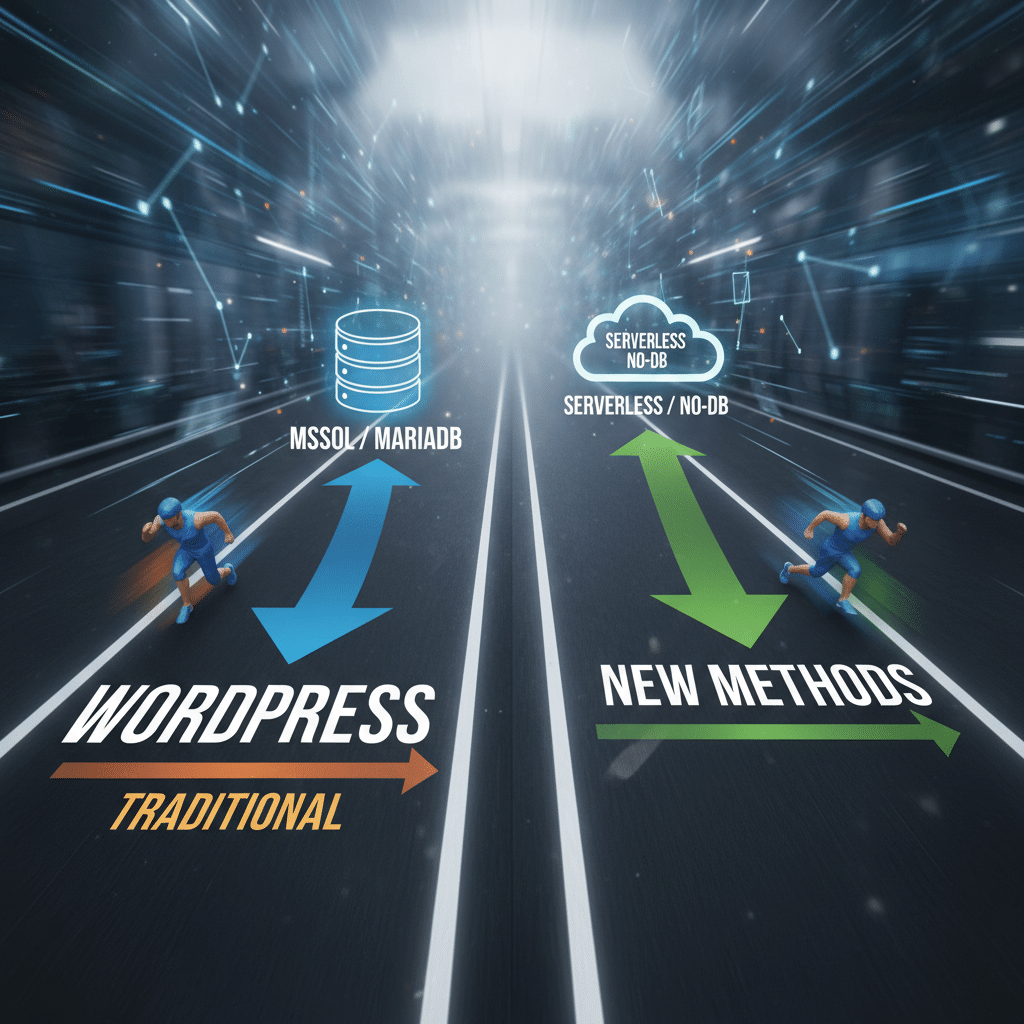
Two Methods for Running WordPress on SQLite Database
WordPress traditionally requires MySQL or MariaDB as its database system. However, SQLite offers a viable alternative for specific use cases. Two distinct methods exist for running WordPress on SQLite, each with its own implementation approach and benefits.
Why Consider SQLite for WordPress
SQLite provides several advantages over traditional MySQL setups. The database system operates without requiring a separate server process. This reduces hosting complexity significantly. Additionally, SQLite stores the entire database in a single file, which simplifies backups and migrations.
For smaller WordPress sites, personal blogs, or development environments, SQLite eliminates unnecessary overhead. The system requirements are minimal. Hosting becomes more straightforward, particularly on shared hosting plans or resource-constrained servers.
Method One: SQLite Database Integration Plugin
The first approach involves using the official SQLite Database Integration plugin. This plugin translates MySQL queries into SQLite-compatible syntax automatically. WordPress core remains unchanged throughout the process.
Installation requires downloading the plugin before setting up WordPress. You place the plugin files in the wp-content directory. The plugin then intercepts database calls and handles the translation layer seamlessly.
This method maintains compatibility with the standard WordPress installation process. Updates and core functionality work as expected. However, some plugins may encounter compatibility issues due to MySQL-specific queries.
Implementation Steps
First, download the SQLite integration plugin from the WordPress plugin repository. Next, extract the plugin to the wp-content/plugins directory before running the WordPress installer. The plugin automatically detects the absence of MySQL and configures SQLite instead.
Configuration occurs during the standard WordPress setup process. The system creates the SQLite database file automatically. No additional database configuration is necessary.
Method Two: Custom Database Drop-in
The second method uses a custom database drop-in file. This approach provides more direct control over database operations. The drop-in replaces WordPress’s database class with SQLite-specific functionality.
Drop-ins offer better performance in some scenarios. They integrate more deeply with WordPress core functions. This method requires more technical knowledge but provides greater flexibility.
Creating a custom drop-in involves developing a database abstraction layer. This layer must handle all WordPress database operations. The implementation needs to account for differences between MySQL and SQLite syntax.
Technical Considerations
Custom drop-ins require ongoing maintenance as WordPress evolves. Database API changes in WordPress core may necessitate updates. Therefore, this approach suits developers comfortable with maintaining custom code.
Performance characteristics differ between the two methods. Drop-ins can optimize query handling specifically for SQLite. However, plugins offer easier maintenance and automatic updates.
Performance and Limitations
SQLite performs well for sites with moderate traffic. Read-heavy operations execute efficiently. However, write concurrency is limited compared to MySQL. High-traffic sites may experience performance bottlenecks.
Some WordPress plugins assume MySQL availability. These plugins may not function correctly with SQLite. Testing becomes essential before deploying SQLite in production environments.
Database size impacts SQLite performance more than MySQL. Large databases may see degraded performance. Regular optimization and monitoring become increasingly important as the database grows.
Best Use Cases
Development environments benefit significantly from SQLite integration. Setting up local development becomes faster and simpler. Database portability improves dramatically with single-file databases.
Personal blogs and small business sites work well with SQLite. These sites typically have manageable traffic levels. The simplified hosting requirements reduce operational complexity.
Embedded WordPress installations also suit SQLite well. Applications that bundle WordPress benefit from the reduced dependencies. Distribution becomes easier without requiring MySQL installation.
Migration Considerations
Moving from MySQL to SQLite requires database conversion. Several tools facilitate this process. However, testing thoroughly after migration is essential to ensure data integrity.
The reverse migration from SQLite to MySQL is also possible. This flexibility allows scaling up as site requirements grow. Planning for potential migration from the beginning prevents future complications.
Backup strategies differ between database systems. SQLite backups involve copying a single file. MySQL backups typically use dump files or replication. Understanding these differences ensures proper disaster recovery planning.
Making the Right Choice
Choosing between these methods depends on specific requirements. The plugin approach offers simplicity and easier maintenance. Custom drop-ins provide more control but require greater technical expertise.
Consider your site’s traffic patterns and growth projections. SQLite works best for smaller deployments with predictable load. Larger sites or those expecting significant growth should carefully evaluate limitations.
Both methods demonstrate WordPress’s flexibility as a content management system. They prove that alternatives to traditional MySQL setups can work effectively in appropriate contexts.
Original Source: exclusive.org
Sources
- Two Ways to Run WordPress on SQLite — exclusive.org