
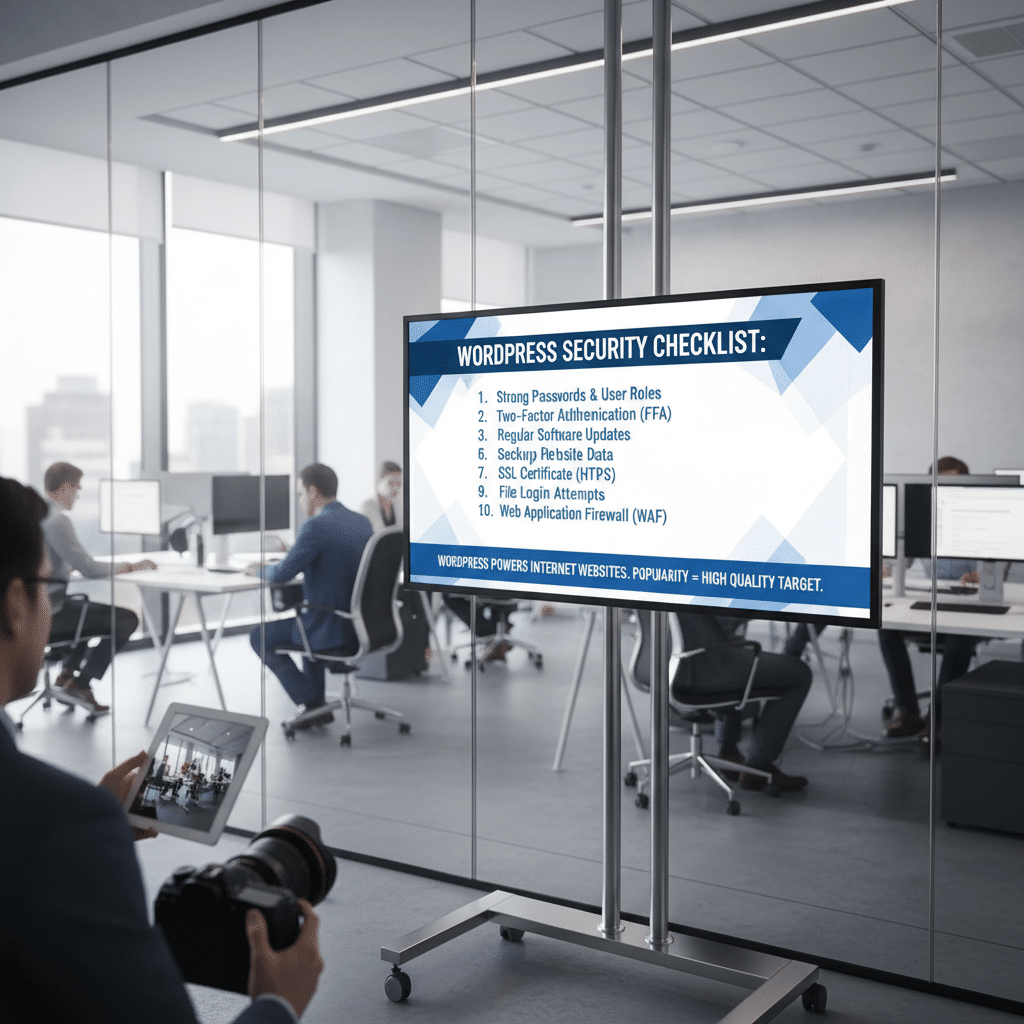
WordPress Security Checklist: Essential Steps That Matter
WordPress powers over 40% of websites on the internet. This popularity makes it a frequent target for security threats. However, most WordPress security issues stem from preventable mistakes rather than platform vulnerabilities.
A practical WordPress security checklist focuses on actions that deliver real protection. These measures address the most common attack vectors without creating unnecessary complexity.
Start With Strong Authentication
Weak passwords remain the leading cause of WordPress compromises. Strong authentication serves as your first line of defense against unauthorized access.
Implement these authentication improvements immediately. Require all users to create passwords with at least 12 characters. Additionally, enable two-factor authentication for admin accounts. This second layer stops attackers even when passwords are compromised.
Limit login attempts to prevent brute force attacks. Therefore, install a plugin that blocks IP addresses after several failed attempts. This simple step eliminates a common attack method.
Keep Everything Updated
Outdated software creates security vulnerabilities that attackers actively exploit. WordPress core, themes, and plugins all require regular updates.
Enable automatic updates for WordPress core releases. This ensures critical security patches install immediately. However, review theme and plugin updates manually before applying them. Test updates on a staging site first when possible.
Remove unused themes and plugins entirely. Inactive code still presents security risks. In practice, every additional plugin expands your potential attack surface.
Choose Security-Focused Hosting
Your hosting provider determines your baseline security posture. Quality hosts implement server-level protections that individual site owners cannot.
Select hosts that offer server-side malware scanning and firewalls. Look for providers with automatic backups and easy restoration options. Additionally, ensure they use modern PHP versions and maintain server security updates.
Avoid shared hosting when handling sensitive data. Dedicated or managed WordPress hosting provides better isolation and security monitoring.
Implement Regular Backups
Backups won’t prevent attacks, but they enable recovery when security fails. Every WordPress site needs a reliable backup strategy.
Schedule automatic daily backups of your database and files. Store backups in multiple locations, including off-site storage. Test your restoration process quarterly to verify backups work correctly.
This approach reduces downtime from hours to minutes. What this means is you can restore operations quickly after any security incident.
Secure Your Database
The WordPress database contains all your content and user information. Securing it requires specific configuration changes.
Change the default database prefix from ‘wp_’ to something unique. This prevents automated SQL injection attacks targeting standard table names. However, this change only helps during initial setup or migration.
Use strong, unique database credentials. Store database passwords in wp-config.php with restricted file permissions. Never use the same database user across multiple sites.
Configure File Permissions Correctly
Incorrect file permissions allow attackers to modify core WordPress files. Setting proper permissions restricts unauthorized changes.
Directories should use 755 permissions, while files need 644. The wp-config.php file requires 440 or 400 permissions. These settings allow WordPress to function while preventing malicious modifications.
Prevent direct PHP file execution in uploads directories. Add an .htaccess file that blocks PHP execution in wp-content/uploads. From a practical standpoint, this stops attackers from running malicious code through uploaded files.
Use Security Headers
HTTP security headers instruct browsers how to handle your site’s content. They provide protection against common web vulnerabilities.
Implement these essential headers: Content Security Policy, X-Content-Type-Options, X-Frame-Options, and Strict-Transport-Security. These headers prevent clickjacking, cross-site scripting, and other attack types. Configure them through your web server or a security plugin.
Monitor and Audit Activity
You can’t protect what you don’t monitor. Activity logging reveals suspicious behavior before major breaches occur.
Install an activity log plugin to track user actions. Monitor login attempts, file changes, and plugin installations. Set up alerts for unusual activity patterns. Review logs weekly to identify potential security issues early.
Disable XML-RPC When Unnecessary
XML-RPC enables remote connections to WordPress but creates attack opportunities. Many sites don’t need this functionality.
Disable XML-RPC unless you specifically use features requiring it. Attackers exploit this feature for brute force attacks and DDoS amplification. Block access through your .htaccess file or security plugin settings.
Implement SSL Everywhere
SSL certificates encrypt data between browsers and your server. This protection is now standard for all websites.
Install an SSL certificate and force HTTPS across your entire site. Update internal links to use HTTPS URLs. Enable HTTP Strict Transport Security to prevent downgrade attacks. Most hosting providers offer free SSL certificates through Let’s Encrypt.
Harden wp-config.php
The wp-config.php file contains sensitive configuration data. Additional hardening measures protect this critical file.
Move wp-config.php one directory above your WordPress root when possible. Add security keys and salts using WordPress’s generator tool. Disable file editing through the dashboard by adding define(‘DISALLOW_FILE_EDIT’, true). These steps reduce exposure of your most sensitive configuration file.
What Actually Matters
This isn’t about implementing every possible security measure. The goal is covering the most critical vulnerabilities efficiently.
Focus on strong authentication, regular updates, quality hosting, and reliable backups first. These four elements prevent or mitigate the majority of WordPress security incidents. Add additional measures based on your specific risk profile and resources.
Security requires ongoing attention rather than one-time setup. Review your security posture quarterly and adjust as threats evolve. However, the fundamentals outlined here provide solid protection for most WordPress sites.
Original Source: novaheaven.io