
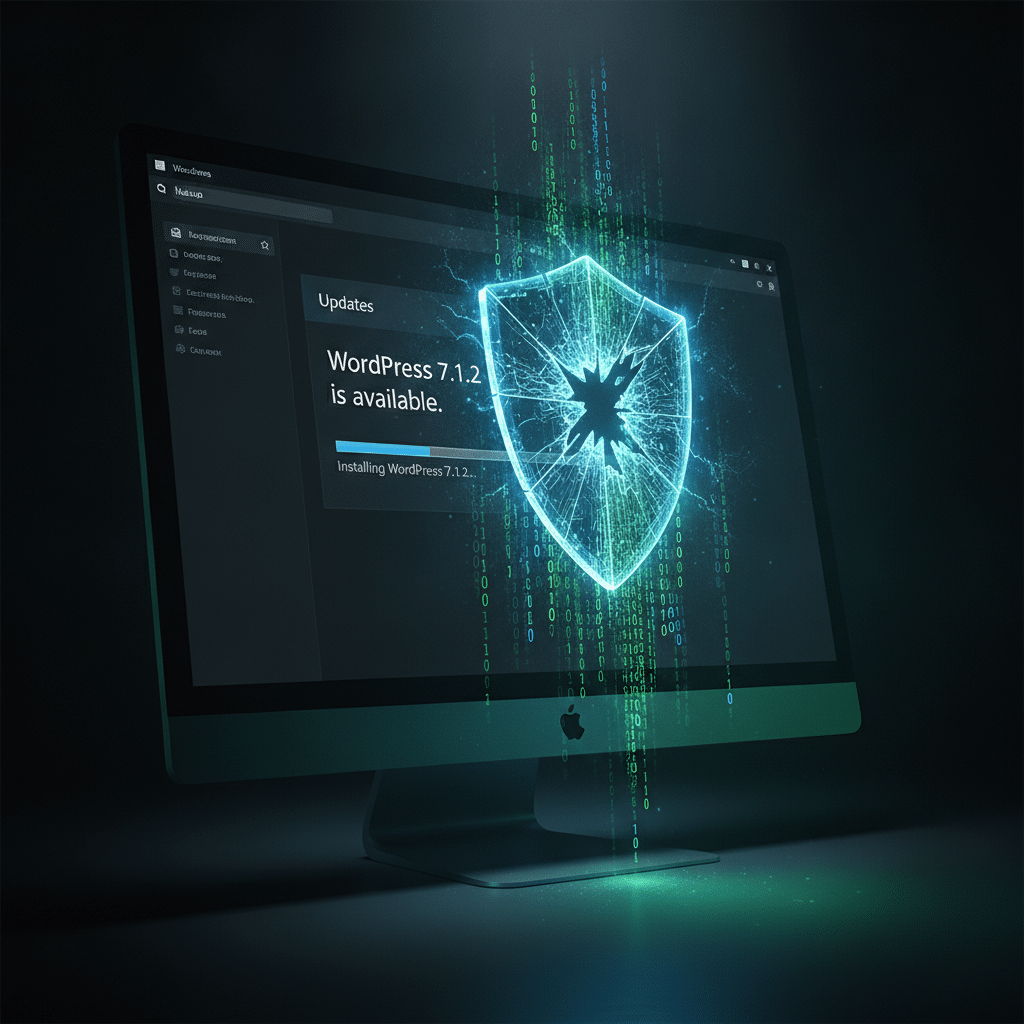
WordPress 7.1.2 Security Update Patches Critical RCE Vulnerability
WordPress released version 7.1.2 as an emergency security update to address a critical vulnerability. The flaw could allow unauthenticated attackers to execute arbitrary code on vulnerable websites under specific conditions.
This security patch comes as a high-priority release from the WordPress development team. Website administrators running affected versions should apply the update immediately to protect their installations.
Understanding the Critical Security Flaw
The vulnerability in WordPress poses a significant threat to website security. Unauthenticated attackers can potentially exploit this weakness without needing login credentials. This type of remote code execution flaw represents one of the most serious security issues a content management system can face.
Remote code execution vulnerabilities allow attackers to run malicious code on target servers. In this case, the flaw affects WordPress installations under certain configurations. However, the WordPress security team has not disclosed specific technical details to prevent active exploitation.
The decision to withhold technical details follows standard responsible disclosure practices. This approach gives website owners time to apply updates before attackers develop working exploits.
What the WordPress 7.1.2 Update Includes
The WordPress 7.1.2 release focuses specifically on this critical security issue. The update includes patches that close the vulnerability and prevent unauthorized code execution. Additionally, the development team conducted thorough testing to ensure the fix doesn’t break existing functionality.
WordPress developers worked quickly to identify and resolve the security flaw. The team prioritized this update over other planned releases due to the severity of the vulnerability. Therefore, version 7.1.2 contains minimal changes beyond the security patch.
Who Needs to Update
All WordPress installations running versions prior to 7.1.2 should update immediately. The vulnerability affects multiple previous versions of the platform. Website owners should not wait for automatic updates to apply this critical patch.
Sites with automatic updates enabled will receive the security patch automatically. However, administrators should verify the update completed successfully. Manual verification ensures the security fix is in place and protecting the website.
How to Apply the Security Update
Updating WordPress to version 7.1.2 requires just a few steps. First, backup your website completely before applying any updates. This precaution protects your content if unexpected issues occur during the update process.
Navigate to the WordPress dashboard and click on the Updates section. The system will display available updates, including version 7.1.2. Click the update button and allow the process to complete without interruption.
After updating, test your website’s core functionality to ensure everything works correctly. Check important pages, forms, and e-commerce functions if applicable. This verification step confirms the update installed properly without causing conflicts.
Additional Security Measures to Consider
Beyond applying this update, website owners should implement additional security practices. Regular updates form the foundation of WordPress security, but they work best alongside other protective measures. Consider these complementary security steps for comprehensive protection.
Install a reputable security plugin to monitor for suspicious activity. These tools provide additional layers of defense against various attack vectors. Furthermore, they often include firewalls and malware scanning capabilities.
Ongoing Security Best Practices
Enable automatic updates for WordPress core, themes, and plugins when possible. This setting ensures your site receives critical security patches quickly. However, maintain regular backups in case an update causes unexpected issues.
Use strong, unique passwords for all WordPress accounts, especially administrator accounts. Implement two-factor authentication to add another security layer. These measures significantly reduce the risk of unauthorized access to your website.
Regular security audits help identify potential vulnerabilities before attackers discover them. Review user accounts periodically and remove inactive or unnecessary users. Additionally, keep only essential plugins and themes installed on your site.
The Importance of Timely Updates
This WordPress 7.1.2 release demonstrates why timely updates matter for website security. Critical vulnerabilities can emerge unexpectedly in any software platform. Quick response to security updates minimizes the window of opportunity for potential attacks.
Delayed updates leave websites exposed to known vulnerabilities that attackers actively target. Once a security flaw becomes public knowledge, exploit attempts typically increase rapidly. Therefore, applying patches quickly represents one of the most effective security practices.
The WordPress security team continues monitoring for potential threats and vulnerabilities. Their proactive approach helps protect millions of websites worldwide. Website owners should partner with these efforts by maintaining current, updated installations.
Original Source: cybersecuritynews.com
Sources
- Critical WordPress Core Vulnerability Lets Attackers Execute Code Without Logging In — cybersecuritynews.com