
Image Hotspots
Interactive hotspot markers with tooltips.
5
Variations
2
Triggers
3
Hotspots
01
Variation 01
Hover, Icon Markers
Default icon markers with hover trigger.
pa_ih_trigger=hover
pa_ih_marker_size=36
pa_ih_pulse_enable=yes
pa_ih_marker_border_radius=50
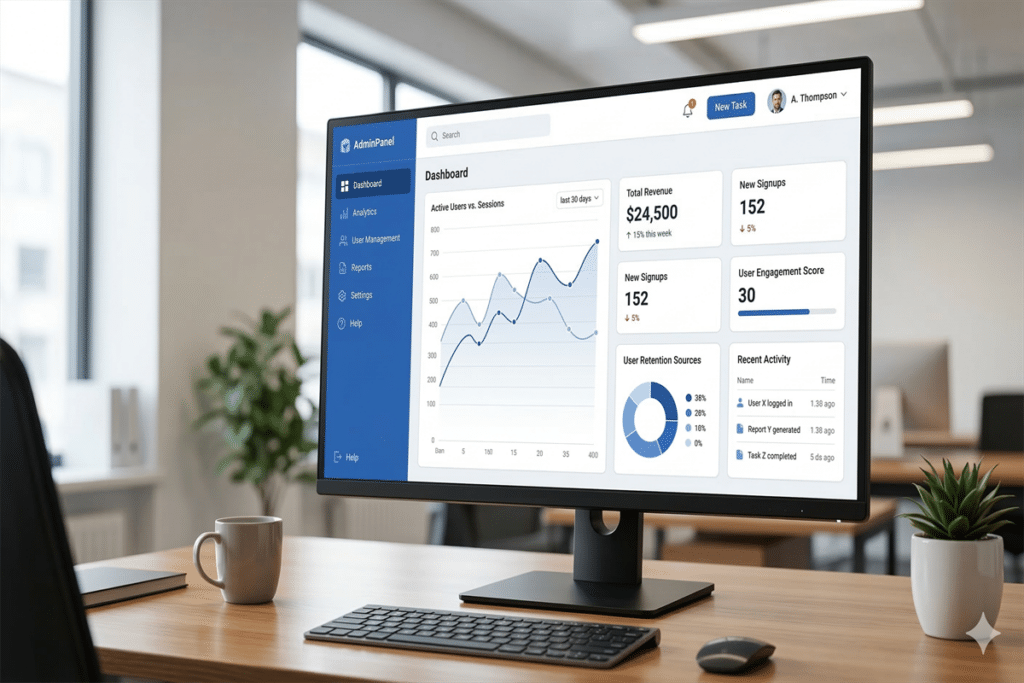
Analytics Dashboard
View real-time analytics and performance metrics at a glance.
User Profile
Manage user settings, preferences, and account details.
Settings Panel
Configure application settings and integrations.
1
Step One
Start here to begin the setup process.
2
Step Two
Configure your preferences here.
3
Step Three
Review and confirm your settings.
02
Variation 02
Click, Text Markers
Numbered text markers with click trigger.
pa_ih_trigger=click
pa_ih_marker_type=text
pa_ih_marker_bg_color=8b5cf6
03
Variation 03
Large Markers
Large 48px markers with custom colors.
pa_ih_marker_size=48
pa_ih_marker_bg_color=dc2626
pa_ih_pulse_enable=yes
Analytics Dashboard
View real-time analytics and performance metrics at a glance.
User Profile
Manage user settings, preferences, and account details.
Settings Panel
Configure application settings and integrations.
Analytics Dashboard
View real-time analytics and performance metrics at a glance.
User Profile
Manage user settings, preferences, and account details.
Settings Panel
Configure application settings and integrations.
04
Variation 04
No Pulse, Small
Small 28px markers without pulse.
pa_ih_pulse_enable=no
pa_ih_marker_size=28
pa_ih_marker_bg_color=16a34a
05
Variation 05
Square Markers
Square markers with 4px border radius.
pa_ih_marker_border_radius=4
pa_ih_marker_bg_color=f59e0b
pa_ih_pulse_enable=yes
Analytics Dashboard
View real-time analytics and performance metrics at a glance.
User Profile
Manage user settings, preferences, and account details.
Settings Panel
Configure application settings and integrations.
All Variations
All Available Options
Image Size
ThumbnailMediumLargeFull
Marker Type
IconTextImage
Tooltip Position
TopRightBottomLeft
Interaction
Pulse: YesPulse: NoTrigger: HoverTrigger: ClickAnimation: YesAnimation: No
Marker Controls
Position (X / Y %)Tooltip ContentMarker ColorMarker BG Color